Guide · Gamers and creators
Stream your game with your face on screen
Show your game and your face together, live on YouTube. And get a vertical copy for Shorts, at the same time.
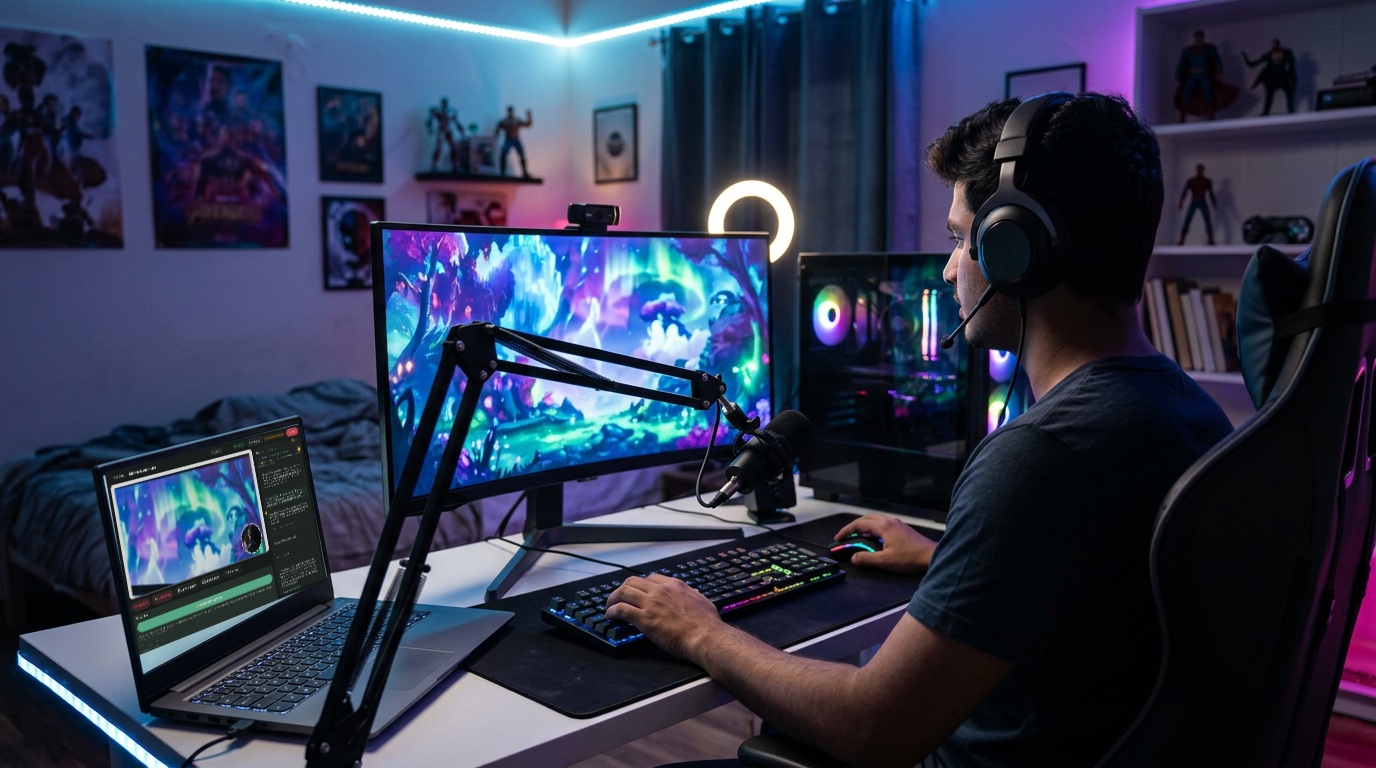
What you need
- A computer that runs your game
- A webcam for your face (a 1080p one: about ₹1,900–3,700)
- A USB mic or a headset with a good mic
- Good Wi-Fi or a wired connection
How to do it
- Tell Sae about your stream. Press ✨ Create a session and write one line, like “Ranked games tonight, 9 pm, on YouTube, with a vertical copy for Shorts”.
- Share your game. Press Share screen and pick the game window.
- Put your face in the corner. Choose the Screen + presenter layout. Your face sits in the corner over the game.
- Go live. Press Go live. Talk to your viewers as you play.
Good to know
- Share only the game window, not your whole screen.
- Ask Sae for a “Be right back” banner for breaks.
- Do a short test stream first to check your sound.
Set up your first show with Sae 冴え™ in a minute.Tell her about your show in a sentence; she does the rest.
Start free trialFree for 7 days, with every feature and 2 hours of live or recording. No card needed. Terms apply.