Guide · Teachers
Teach a live class on your own
Teach your students live on YouTube, or record your class, all from one laptop. Show your slides with yourself in the corner. No helper needed.
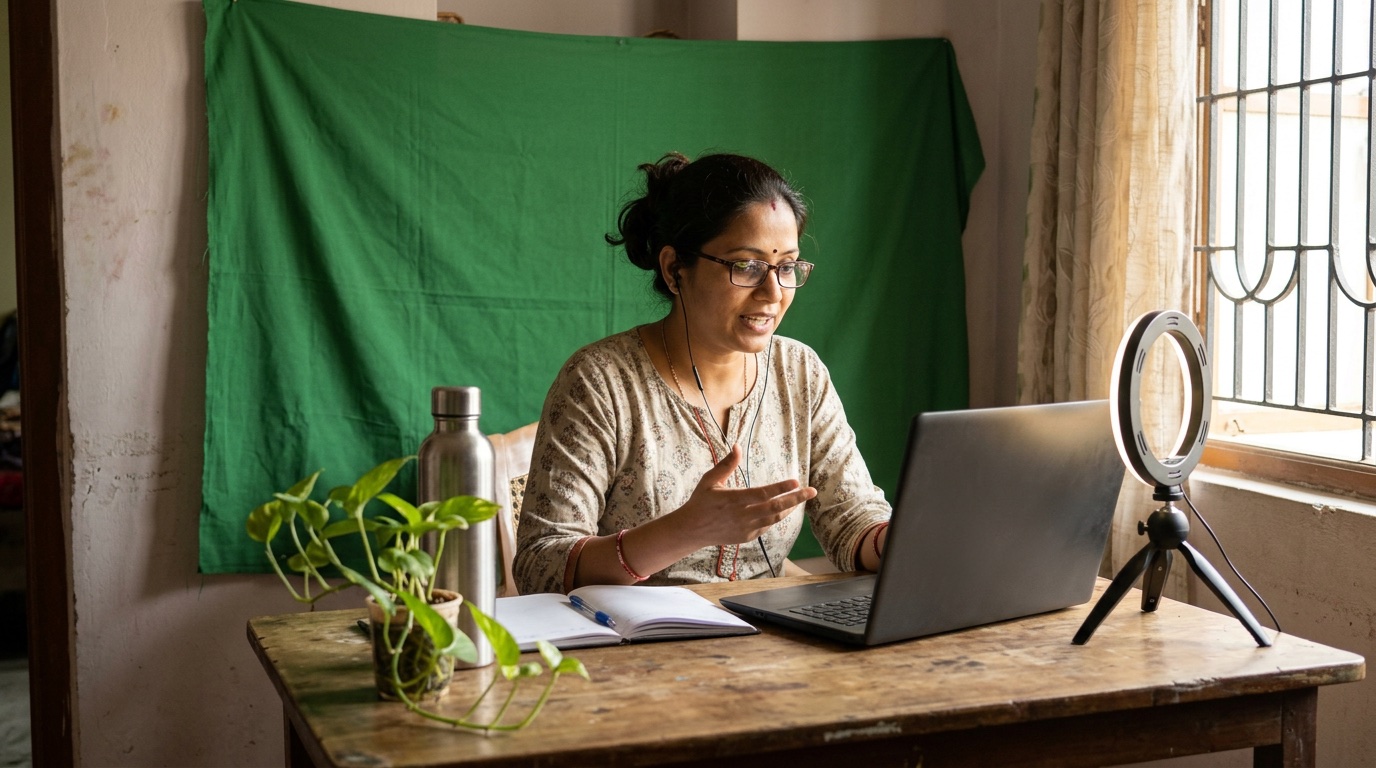
What you need
- A laptop with a camera (a 1080p webcam is clearer: about ₹1,900–3,700)
- A clip-on or USB mic (from about ₹250)
- A small ring light (from about ₹250)
- Good Wi-Fi
How to do it
- Tell Sae about your class. Press ✨ Create a session and write one line, like “Class 10 science, Monday 7 pm, for my students”.
- Show your slides. Press Share screen and pick your slides. You appear in a small circle over them.
- Plan the class. Open Sae and type “Plan my show”: welcome, lesson, doubts, thank you. One tap switches between them.
- Go live or record. Press Go live, or choose Record only to make a video for later.
Good to know
- No green cloth? Manch Live can remove your room behind you anyway: ⚙ Camera & mic settings → Set up background.
- Write on a tablet: under People, press + Add a device → Manch board.
- Keep it unlisted, so only your students with the link can watch.
- Teaching in a Zoom webinar? On Zoom Events or Webinars Plus, add it under Destinations → Zoom webinar and the class goes straight into Zoom; click Send live in Zoom once you are on air.
Set up your first show with Sae 冴え™ in a minute.Tell her about your show in a sentence; she does the rest.
Start free trialFree for 7 days, with every feature and 2 hours of live or recording. No card needed. Terms apply.