Guide · Podcasts and interviews
Record a podcast or interview, with guests anywhere
Your guest is in another city? No problem. They join from their own phone or laptop with a link: nothing to install. You get one finished video with everyone’s names on screen.
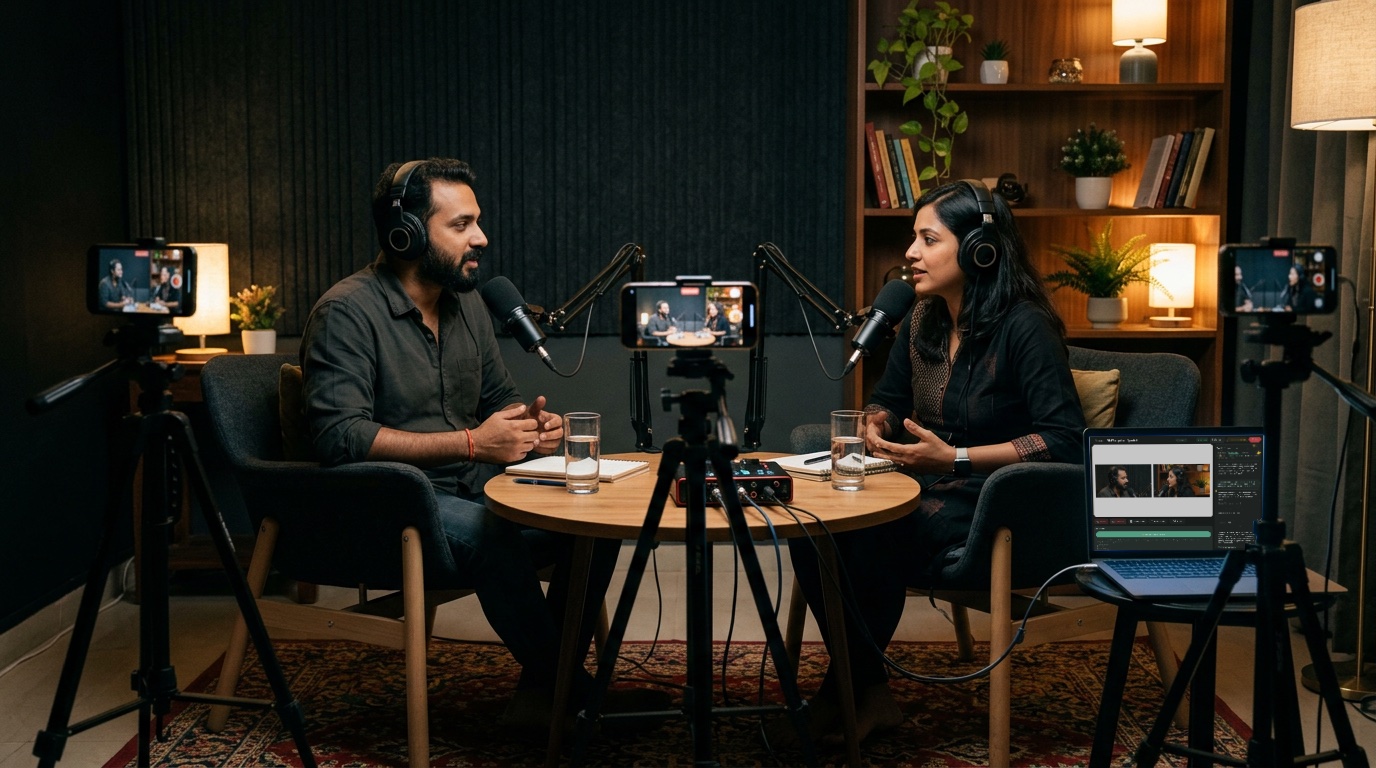
What you need
- A laptop with a good camera, or a webcam
- A USB mic for you (about ₹1,800–2,500)
- Earphones for everyone, so there’s no echo
- Good Wi-Fi
How to do it
- Tell Sae about the episode. Press ✨ Create a session and write one line, like “Wild Tales podcast, episode 5 with Meera Rao”. Choose Record only, or go live.
- Invite your guest. Press Invite guest and send the link on WhatsApp. When they arrive, press Let in, then Add to stage.
- Show names. In Overlays, choose Show names. Each person’s name and title appear under them.
- Start recording. Press Start recording. When you finish, the video is waiting in Recordings.
Good to know
- Ask for a vertical copy too: ready-made clips for Reels and Shorts.
- Ask your guest to use earphones and sit facing a window.
- Record 2 minutes as a test before the real one.
Set up your first show with Sae 冴え™ in a minute.Tell her about your show in a sentence; she does the rest.
Start free trialFree for 7 days, with every feature and 2 hours of live or recording. No card needed. Terms apply.