Guide · Webinars and panels
Host a webinar with speakers in different cities
Each speaker joins from their own laptop with a link and shares their own slides. You decide who is on screen, with one tap.
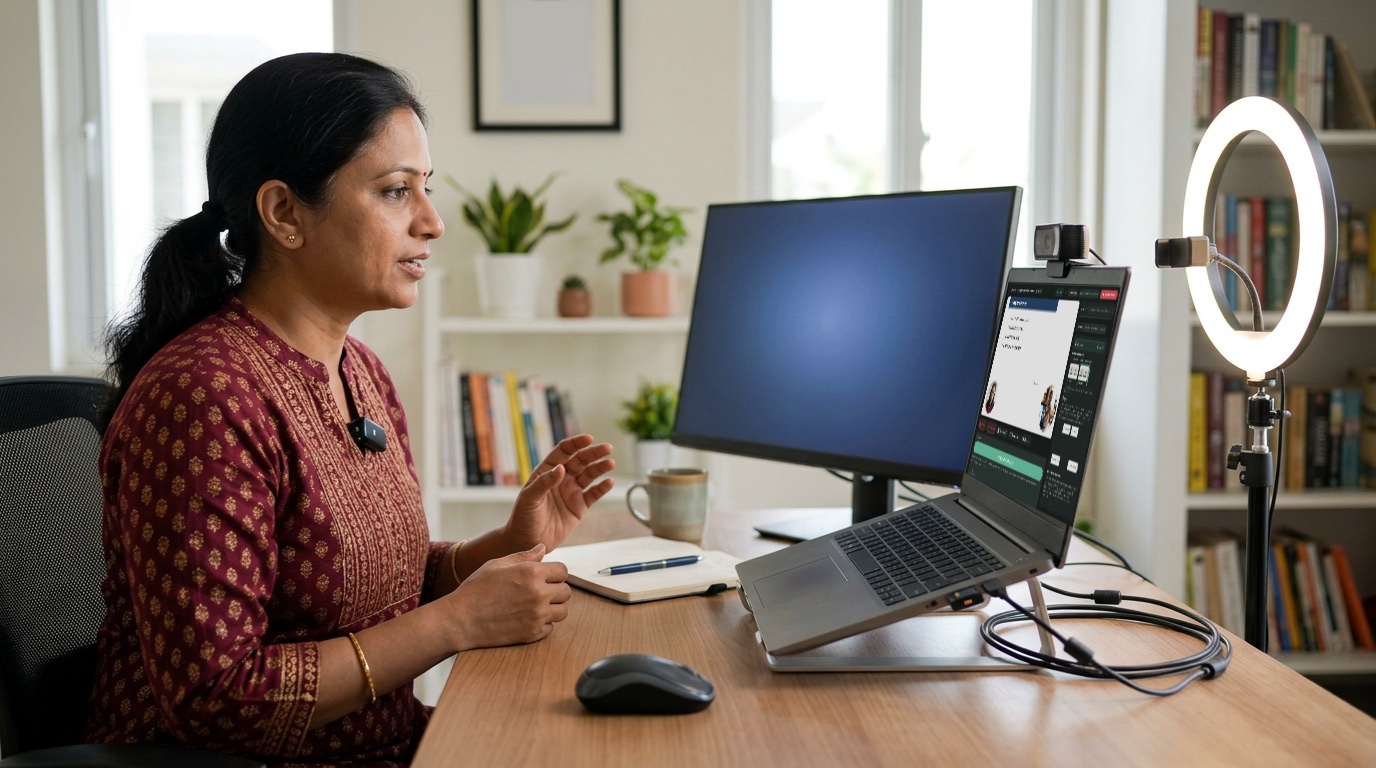
What you need
- A laptop with a camera for you, the host
- A clip-on or USB mic (from about ₹250)
- Each speaker: a laptop with Chrome, and earphones
- Good Wi-Fi for everyone
How to do it
- Tell Sae about the webinar. Press ✨ Create a session and write one line, like “Saving for retirement, free webinar, Saturday 11 am, with 2 speakers”.
- Invite the speakers. Press Invite guest and send each speaker the link. Let them in when they arrive.
- Plan who speaks when. Open Sae and type “Plan my show”: welcome, speaker 1, speaker 2, questions, thank you.
- Go live. Press Go live, and tap each step. Slides show with the speaker beside them.
Good to know
- Do a 10-minute test with the speakers a day before.
- Ask speakers to share only their slides window, not their whole screen.
- For sign-ups, ask Sae for a banner with a QR code to your form.
- Running it as a Zoom webinar? On Zoom Events or Webinars Plus, add it under Destinations → Zoom webinar and the show goes straight into Zoom; click Send live in Zoom once you are on air.
Set up your first show with Sae 冴え™ in a minute.Tell her about your show in a sentence; she does the rest.
Start free trialFree for 7 days, with every feature and 2 hours of live or recording. No card needed. Terms apply.