Guide · Weddings
Stream a wedding with just a few phones
Grandparents who can’t travel. Family abroad. Friends stuck at work. Let them watch the wedding live, from anywhere. You don’t need a camera crew: a few phones and one person with a laptop are enough.
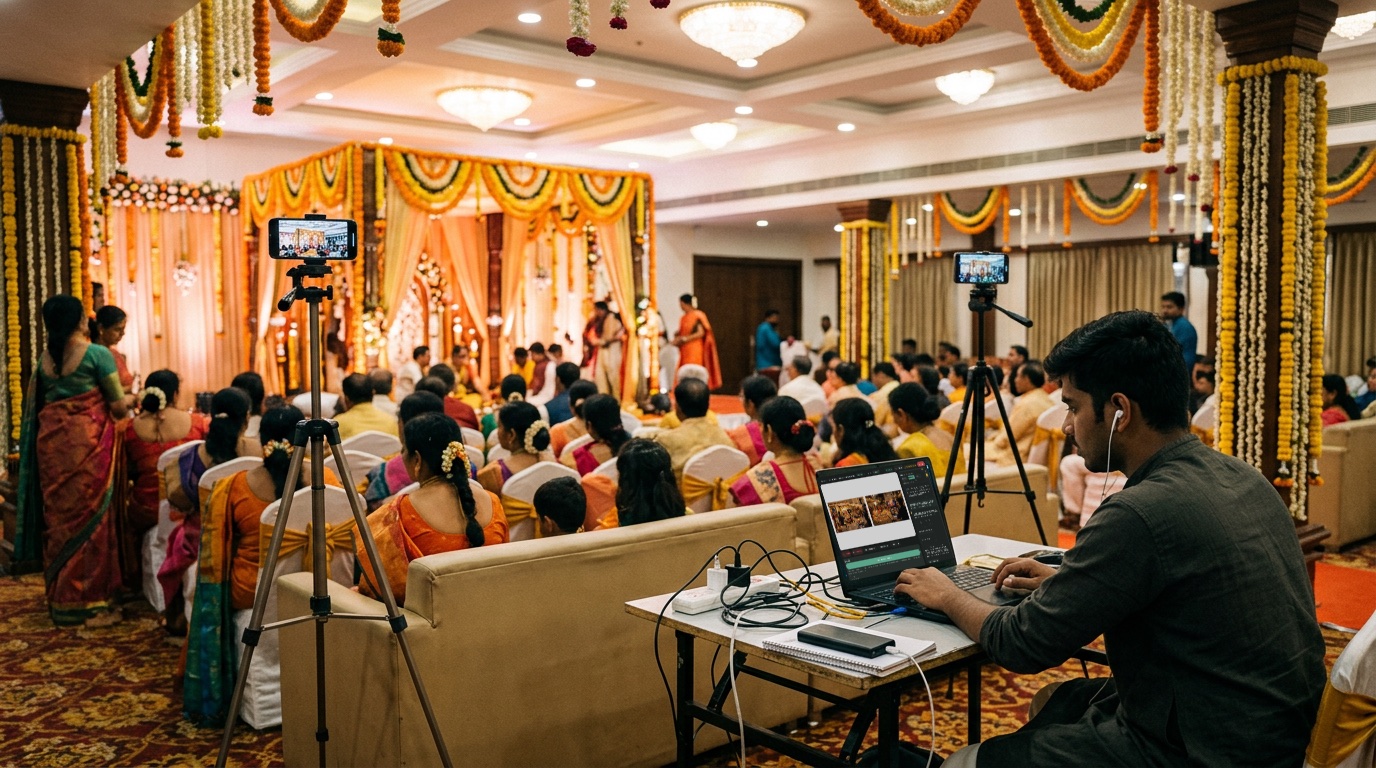
What you need
- 2 or 3 phones (borrow from family)
- A stand for each phone (about ₹300–900)
- A power bank or plug point for each phone
- Good 4G or 5G signal
- One laptop for the person running the stream
How to do it
- Tell Sae about the wedding. Open Manch Live, press ✨ Create a session and write one line, like “Kanika and Rahul’s wedding, Sunday 10 am, live from Kochi”. Sae sets it up for you.
- Turn the phones into cameras. Press Invite guest and send the link on WhatsApp. Open it on each phone, put the phone on its stand, and it becomes a camera.
- Plan the big moments. Open Sae and type “Plan my show”. She makes simple steps: Welcome, the couple arrives, the pheras, blessings, thank you.
- Go live. Press Go live. When each moment comes, tap its step. The right camera and greeting come on together.
Good to know
- Share the YouTube link with family a day before.
- Keep it unlisted, so only people with the link can watch.
- Don’t play film songs near the phones: YouTube can mute the stream.
Set up your first show with Sae 冴え™ in a minute.Tell her about your show in a sentence; she does the rest.
Start free trialFree for 7 days, with every feature and 2 hours of live or recording. No card needed. Terms apply.